Posts

Showing posts with the label coding

Must Know Shell Keybindings 🐧🐚
Image
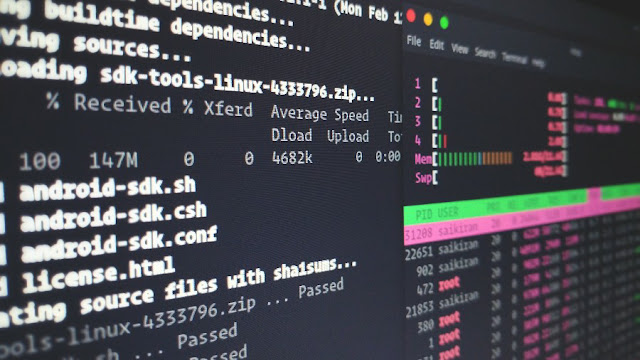
A shell also known as the command line is one of the most important tools for any software developer. You can do very complex things very quickly here. Learning to use the shell efficiently can make your life much easier. In this post I'll be writing about the most useful keybindings for the bash and zsh shells. *nix systems generally ship with the Bourne again shell or bash and zsh or Z shell is also quite popular among developers as it provides some very powerful features. Some of these shortcuts may work with other shells too. # Shell Keybindings ## Navigation 🚀 Alt + f/b  - Move cursor to previous/next word Ctrl + a/e - Move cursor to beginning/end of command Ctrl + xx  - Toggle between the start of line and current cursor position --- ## Editing ✏️ Ctrl + x,e   - Open command in editor Ctrl + k     - Cut till end Ctrl + u     - Delete whole line (zsh)/ cut until beginning (bash)...

Tracking Code Time ⏲️💻

Image
If you code professionally or as a hobby or are just learning to code, tracking code time can be very useful to you as it can unlock some valuable insights for you. I recently came across one such tool and have a overview of its features here. Wakatime is one of those tools . the help of a  you can easily logs all your coding activities like: ▪️which editor you are using ▪️which project you are working on ▪️which language you are using All that data is presented very gracefully on the wakatime dashboard . Another great feature of wakatime is goals where you can set goals for yourself and wakatime will keep track of those goals and send reminders via mail as well. This can help you if you are trying to learn a certain framework or library or language or maybe you are trying to learn a new editor like vim. Wakatime also has other features like shareable embeddables, leaderboards, integrations etc. This kind of gamifies programming and makes it a l...